
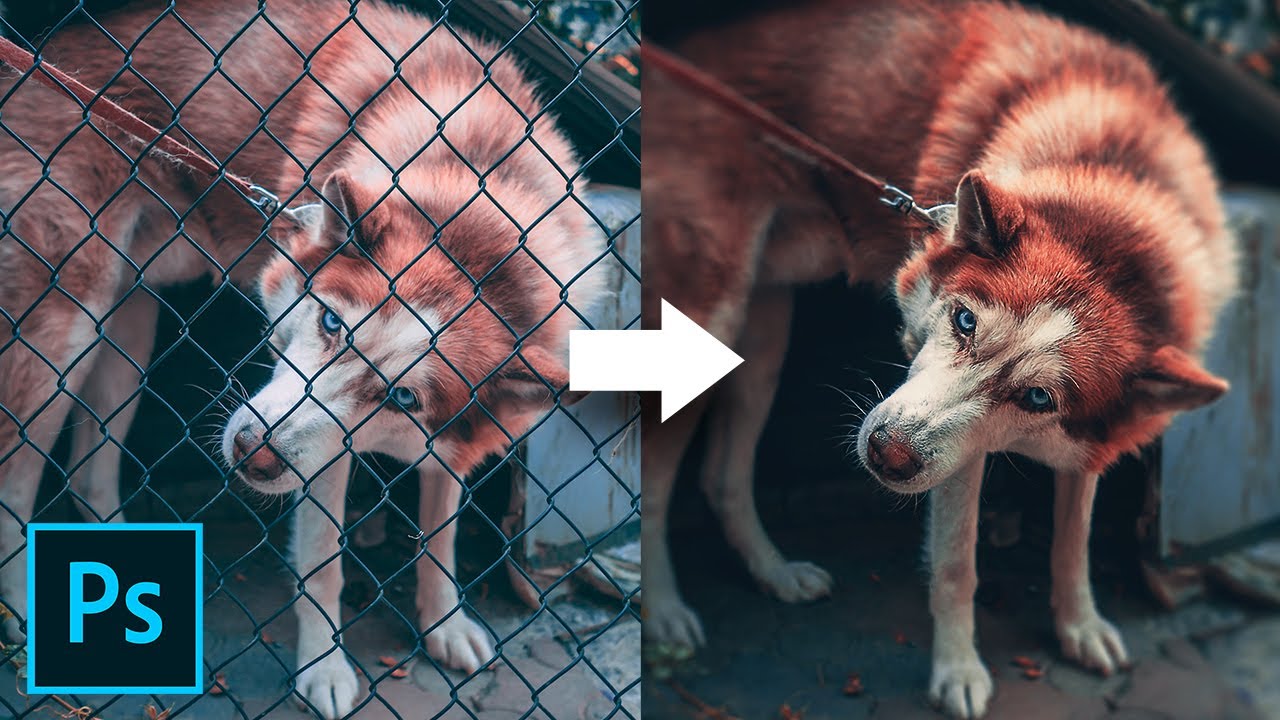
Fences Obstructing Your Shot? Easily Remove Fence by Using 3 Simple Steps in Photoshop! Learn a simple but extremely powerful shortcut to easily brush off the fence with straight lines.
In this tutorial, we will utilize the power of Photoshop’s latest Content-Aware fill feature to remove the distractions after creating a selection easily with brushes. I hope this tutorial helps you.
► DOWNLOADS:
1. Sample Image: http://bit.ly/2tHeUnd
2. Finished PSD: http://bit.ly/39WFGsG (Only for our Patreon Family)
Useful one