Notice: Function _load_textdomain_just_in_time was called incorrectly. Translation loading for the hostinger-ai-assistant domain was triggered too early. This is usually an indicator for some code in the plugin or theme running too early. Translations should be loaded at the init action or later. Please see Debugging in WordPress for more information. (This message was added in version 6.7.0.) in /home/irttsubu/webartinfo.com/wp-includes/functions.php on line 6260 Freelancing – Webartinfo | Creativity With Perfection Notice: Function WP_Scripts::add was called incorrectly. The script with the handle "czgb-block-frontend-js" was enqueued with dependencies that are not registered: slick-carousel. Please see Debugging in WordPress for more information. (This message was added in version 6.9.1.) in /home/irttsubu/webartinfo.com/wp-includes/functions.php on line 6260
Introduction: In the ever-evolving landscape of web design, the availability of high-quality resources can make all the difference. Enter Bootstrap website templates—a game-changer for designers and developers alike. Offering a perfect blend of functionality, aesthetics, and flexibility, these templates have revolutionized the way websites are built. In this blog post, we delve into the world of free Bootstrap website templates and uncover the myriad benefits they bring to the table.
Unveiling the Power of Bootstrap: Bootstrap, developed by Twitter, has emerged as one of the most popular front-end frameworks for building responsive and mobile-first websites. Its extensive library of components and utilities streamlines the development process, enabling designers to create stunning websites with ease. With Bootstrap, the days of wrestling with complex CSS grids and media queries are long gone.
The Appeal of Free Templates: While premium Bootstrap templates certainly have their allure, the availability of free alternatives is a game-changer for budget-conscious designers and entrepreneurs. These free templates offer a wide range of designs and functionalities, catering to various industries and niches. Whether you’re launching a portfolio website, an e-commerce store, or a corporate site, there’s a free Bootstrap template out there to suit your needs.
Benefits Beyond Cost: Beyond the obvious cost savings, free Bootstrap website templates offer several other advantages. Firstly, they serve as invaluable learning resources for budding designers, allowing them to study and dissect well-designed templates to understand best practices in web design. Additionally, these templates often come with extensive documentation and support, making them accessible even to novice developers.
Exploring Versatility: One of the standout features of Bootstrap is its versatility. Free Bootstrap website templates come in a plethora of styles, ranging from minimalist and sleek to vibrant and colorful. Moreover, they are highly customizable, allowing designers to tweak and tailor them to their specific requirements. With built-in support for custom CSS and JavaScript, the possibilities for customization are virtually limitless.
Conclusion: In conclusion, free Bootstrap website templates represent a democratization of web design, empowering designers of all skill levels to create professional-looking websites without breaking the bank. Whether you’re a seasoned developer looking to expedite your workflow or a newcomer eager to dip your toes into the world of web design, these templates offer a valuable resource. So why wait? Explore the wide array of free Bootstrap website templates available online and take your web design projects to new heights.
To get more YouTube subscribers in 2024, creating a channel subscribe link can be an effective strategy. Here’s a step-by-step guide on how to do it:
Access Your YouTube Channel:
Log in to your YouTube account and go to your channel’s homepage.
Navigate to YouTube Studio:
Click on your profile picture in the top-right corner and select “YouTube Studio” from the dropdown menu.
Access Your Channel Settings:
In YouTube Studio, navigate to the left sidebar and click on “Settings” (the gear icon).
Find Your Channel ID:
Under the “Channel” section, click on “Advanced settings.”
You’ll find your Channel ID listed under the “Channel settings” tab. Copy this Channel ID.
Create the Subscribe Link:
Open a web browser and type the following URL, replacing “CHANNEL_ID” with your actual Channel ID: https://www.youtube.com/channel/CHANNEL_ID?sub_confirmation=1
For example, if your Channel ID is “UC1234567890”, your subscribe link will be: https://www.youtube.com/channel/UC1234567890?sub_confirmation=1
Use the Link:
Share this subscribe link across your social media platforms, website, blog, email newsletters, and other promotional channels.
Encourage viewers to click on the link to subscribe to your YouTube channel directly.
Optimize Your Call-to-Action (CTA):
When sharing your subscribe link, include a clear and compelling call-to-action (CTA) to encourage viewers to subscribe.
For example, you can say, “Subscribe to my channel for weekly updates on [topic]” or “Join our community by subscribing to our channel.”
Promote Your Content:
Create high-quality and engaging content that provides value to your target audience.
Use SEO techniques to optimize your video titles, descriptions, and tags to increase visibility and attract more viewers.
Encourage viewers to like, comment, and share your videos, as engagement signals can help boost your channel’s visibility on YouTube.
Engage with Your Audience:
Respond to comments, messages, and feedback from your viewers to build a strong relationship and community.
Host live streams, Q&A sessions, or interactive events to engage with your audience in real-time.
Consistency is Key:
Stay consistent with your content schedule and upload new videos regularly to keep your audience engaged and coming back for more.
By creating a subscribe link and implementing these strategies, you can effectively grow your YouTube subscriber base in 2024. Remember to provide value, engage with your audience, and promote your content across various channels to maximize your growth potential.
With the bulk number of Black Friday deals available online, one wishing to grab the best deals is most likely to be lost. But if you are a web developer or a designer, you’ve just landed on the right place to win this year’s Black Friday season. We’ve curated some of the most amazing deals that you can grab without even thinking twice.
As a web developer or designer, we presume you might be making either your own website or your clients’. Whatever the part of web development you are involved in, we do have deals that suit your needs. So, let’s check them out.
Best Black Friday deals for web developers and designers
[button color=”red” size=”medium” link=”https://www.templatemonster.com/website-templates/bookishow-movies-events-sports-website-template-87181.html” icon=”” target=”true” nofollow=”false”]Grab the Deal[/button]
[divider style=”solid” top=”20″ bottom=”20″]
We went through a lot of Black Friday offers and picked the above ones for you. If you are a web developer or designer looking for such sales, grab the deals you like. Good luck! 🙂
If you are merely a casual user of Instagram, showing a few pictures with your friends, you may not see any need to track your Instagram followers, or indeed how your posts perform. However, if you take your Instagramming more seriously, you are going to want to keep a vigilant eye on your Instagram account, along with the genuineness of your followers.
This is particularly the case for influencers and brands. In both cases, the quality of their following matters very much. Ultimately brands are only in the social space to strike a dialogue with their customers and potential clients. Their work with influencers has the same overall goal. There is little point in having followers who are not part of their target market.
It is perhaps less crucial for non-commercially minded influencers. However, they, too, are unlikely to be influential with people who couldn’t care less about their posts.
Brands and influencers are also interested in the behavior of their followers. What types of posts interest them? Which topics are of little importance and get ignored? As far as serious influencers are concerned, analytics, and data about their Instagram performance can be a godsend, and help them make more interesting and valued posts.
The following list highlights tools that, in some way, help you track your Instagram followers, and in many cases, the overall performance of your Instagram account.
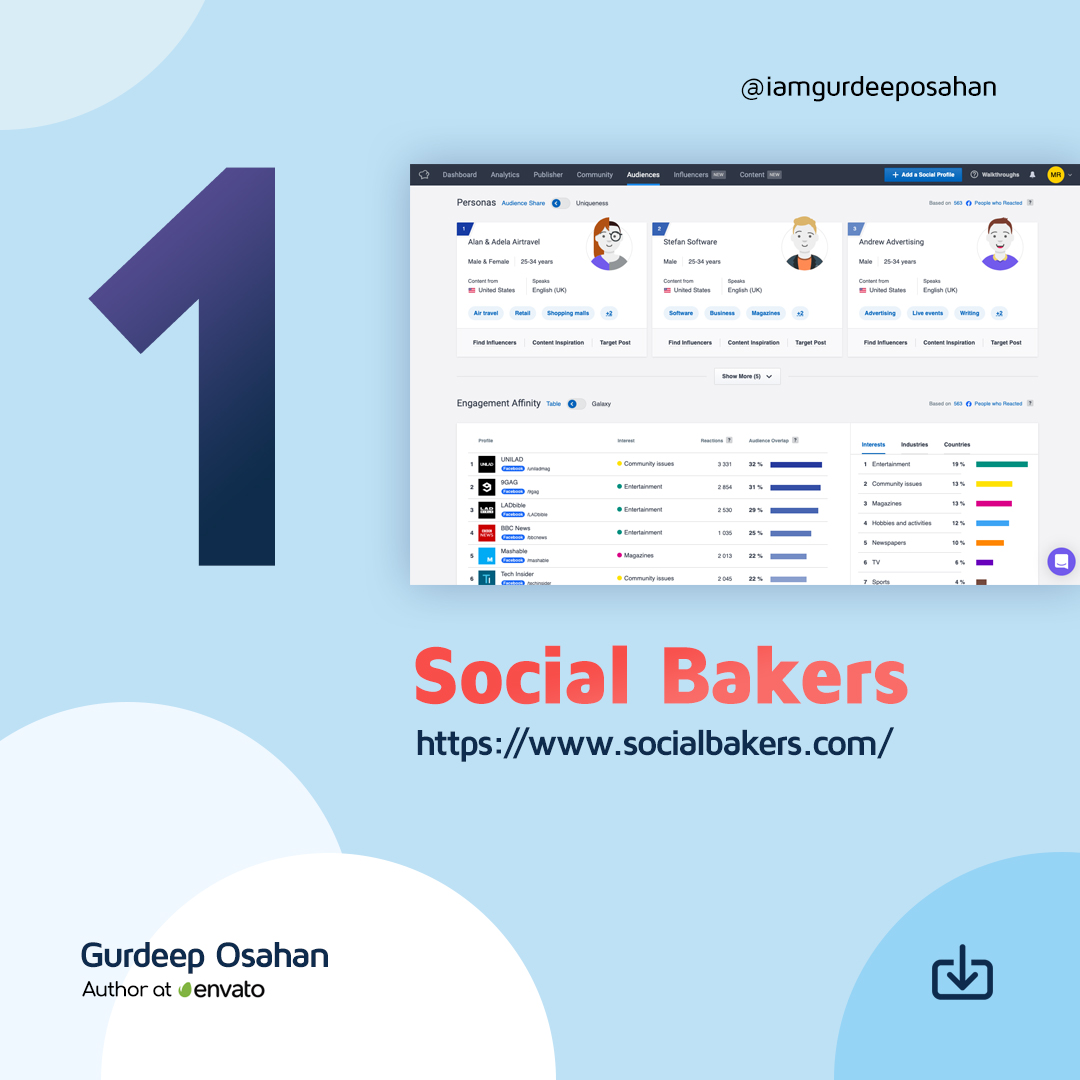
6 Tools to Track Your Instagram FollowersSocial Bakers is primarily a social media management platform that you can use to manage all your marketing tasks together easier. It includes an Analytics & Benchmark section that covers everything from benchmarking, content, and performance to influencers and paid campaigns. You can use it to get the full information you need to understand your performance. It allows you to benchmark your organic, paid, video, and influencer performance metrics against industry averages or competitors.
Although not as advanced as the paid tool, Socialbakers offers a free Instagram Analytics Tool for personal and business profiles. It allows you to discover your most popular Instagram posts, track your success, and learn what gets your audience double-tapping. It shows your most popular photos, filters, and hashtags, although it only offers limited information about your followers.
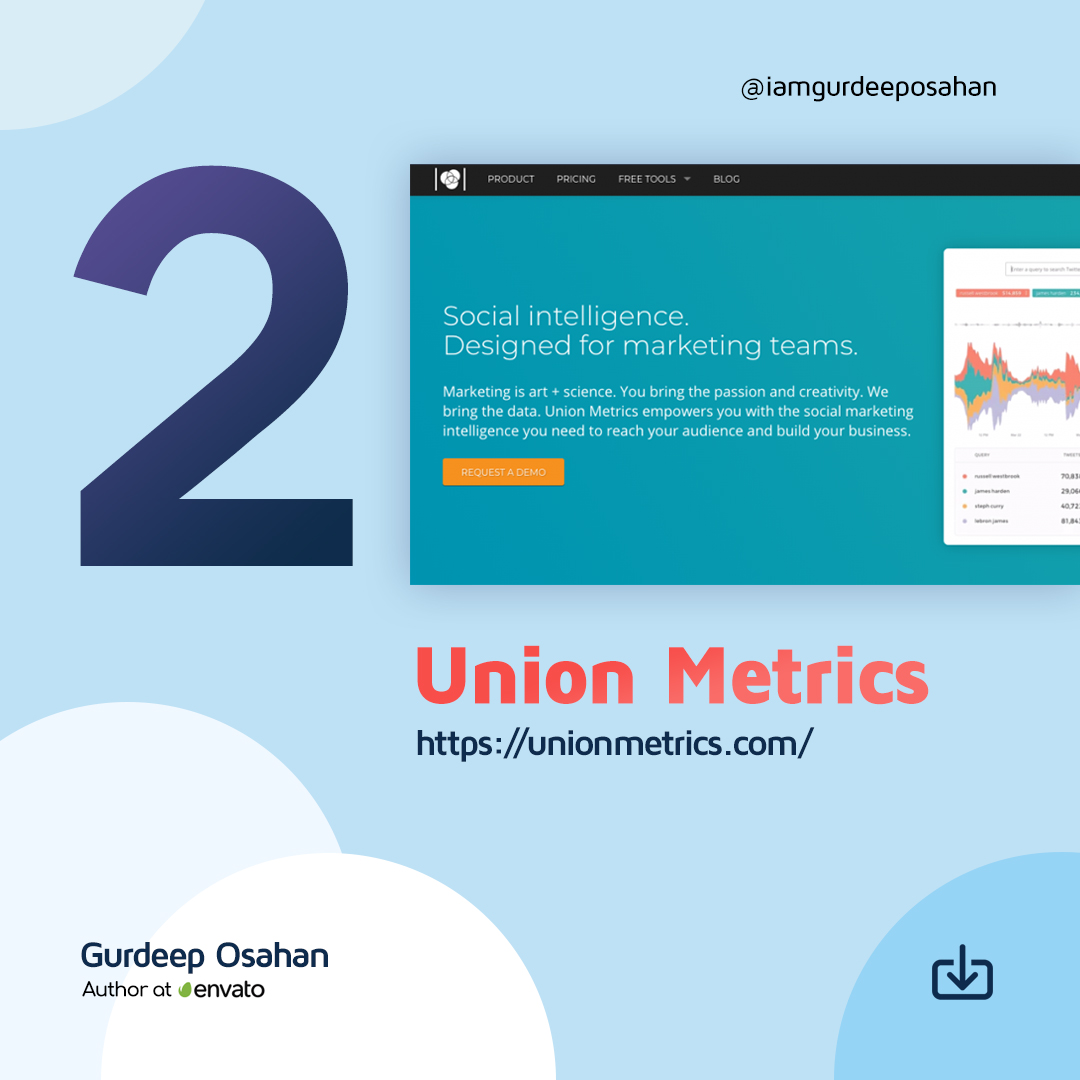
Union Metrics offers a free Instagram account checkup. It is of limited use to understanding your followers over time, although it provides some insights into how your account is performing currently.
The Union Metrics paid plans provide more information to marketers. The $49/mo Social Manager plan allows you to analyze engagement and measure the performance of your social accounts. With the $99/mo Social Marketer plan, you can monitor relevant conversations and generate audience insights with in-depth reporting. At the top end, you have the $199/mo Marketing Team package that offers all the analysis, monitoring, and reporting you need for comprehensive social marketing.
You can use Union Metrics to monitor all your social profiles to learn precisely how your content performs. It will show you what content works across social media – and what doesn’t, and when your audience is most receptive to find the best time to post.
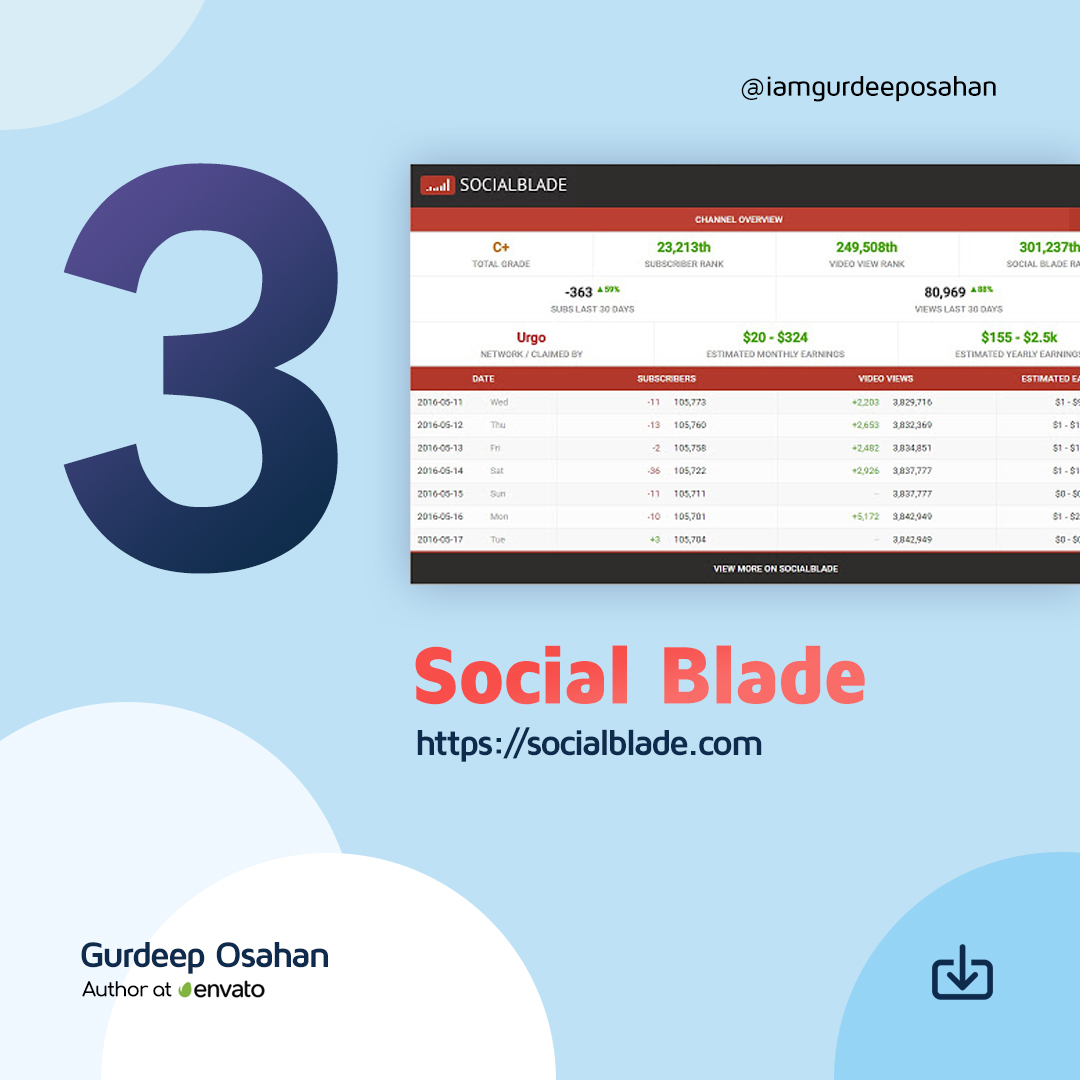
Social Blade provides a wealth of stats on public Instagram media accounts. They pull data explicitly from your public profile, so you won’t find anything if you have made your account Private – but if you are a business or influencer, it makes no sense to have a Private account.
For future projections, you do need to provide them with at least two points, so you need to scan your account multiple times over time if you want to build a set of useful data.
Social Blade also shows quite a few interesting charts about the top Instagram accounts, such as the Top 50 (and 100) Followed Instagram Users. They do emphasize that they are using the new Instagram API, so they can only get data on Instagram business/creator accounts.
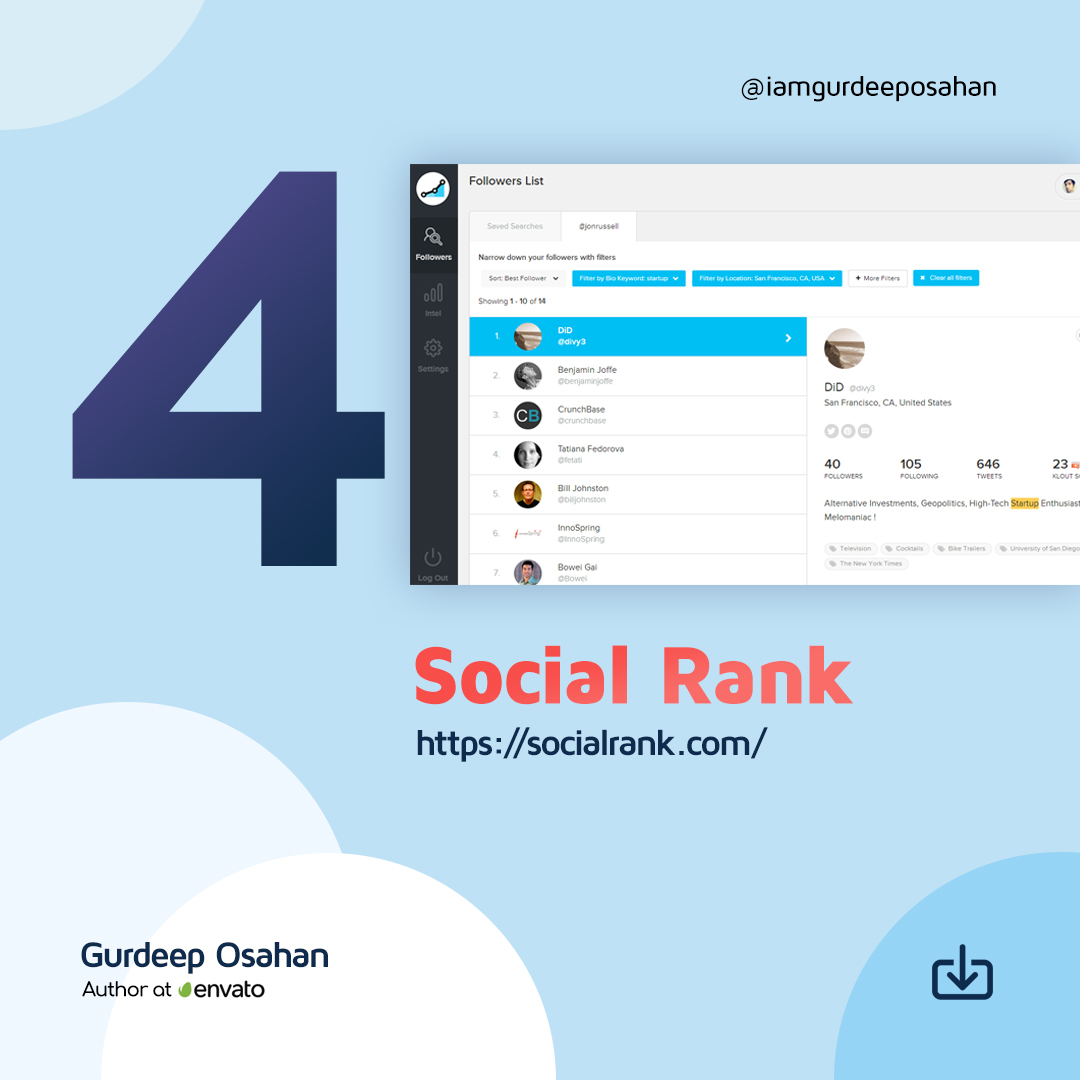
You can use SocialRank to discover detailed audience metrics for Instagram, as well as Twitter. You can segment your audience by using various sorting and filtering options. You can create custom lists, export the data to PDF, and run campaigns.
You can sort your audience by Most Valuable (your most influential profiles), Most Engaged (determined by the frequency of engagement), Best Followers (a combination of Most Valuable and Most Engaged), Most Followed, Alphabetized and Chronological (Newest and Oldest). You can also filter and pinpoint your audience by filters ranging from bio keyword, word/hashtag search, and geographic location, to verified number of followers, activity, and more.
Iconsquare offers both free and paid tools that help you track your Instagram followers. Their free tool provides an Instant Instagram Audit. All you have to do is to connect your Instagram account and enter your email address. They will then send you a free report that tells you where you’re shining and where you’re falling flat. Instagram Audit analyzes 20+ metrics on your latest 30 posts over the last 30 days. It provides tips on your account activity, audience engagement, account settings, and content strategy.
The paid version of Iconsquare offers a robust analytics, management, and scheduling platform for brands and agencies. A customized dashboard quickly visualizes the metrics most important to you, and scheduled reports help you stay on top of your game. Graphs display your performance for metrics like follower evolution, average engagement rate per post, and reach and impressions history. Benchmarks for over 100 industries allow you to compare your performance using metrics like follower growth, engagement, and reach. It includes community analytics, so you can understand where your followers are, the languages they speak, and their age and gender.
A recent addition allows you to understand how your Instagram promoted posts impacted your performance across metrics like reach, engagement, impressions, follower growth, and more.
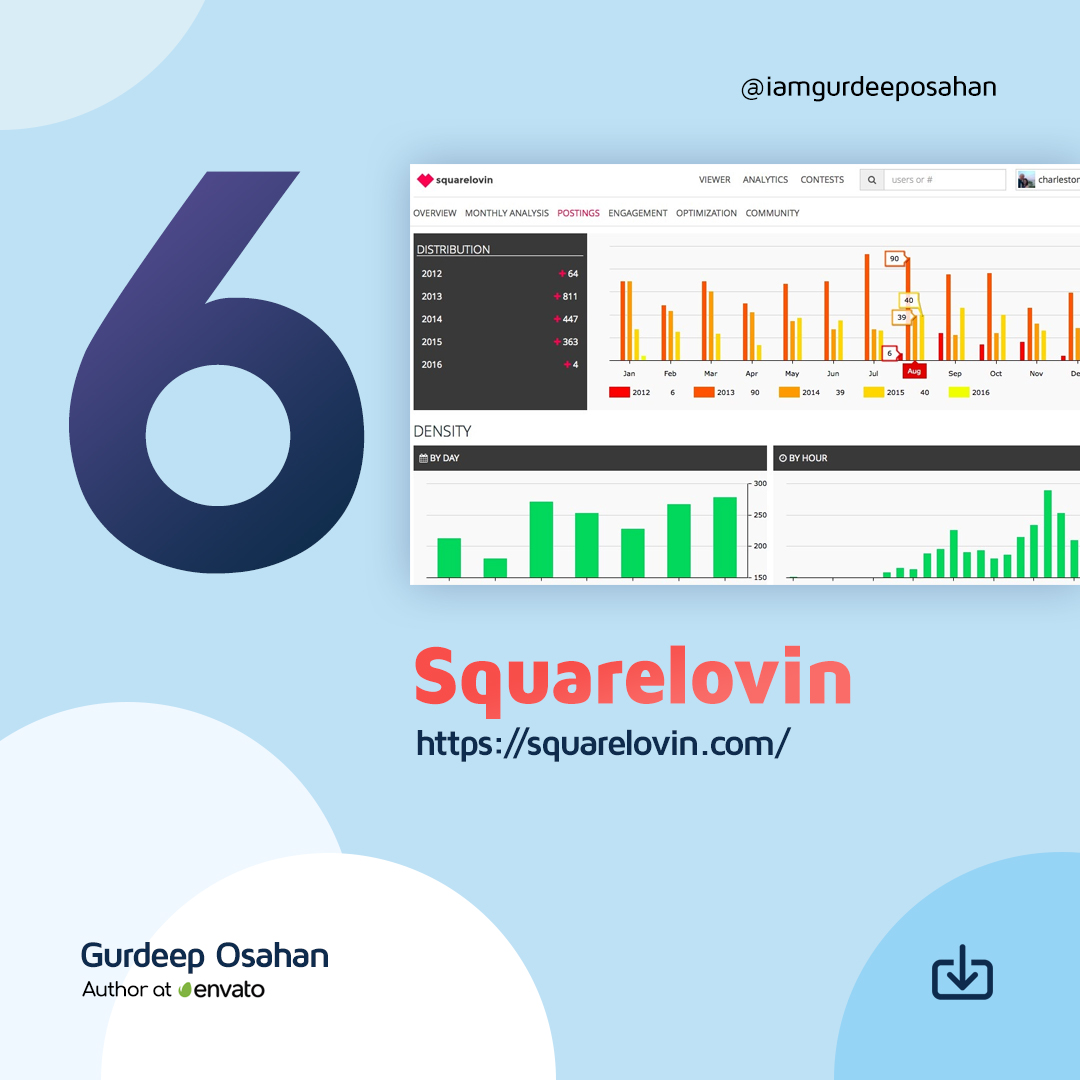
Squarelovin offers a free in-depth analytics tool that gives you access to metrics on your recent posts and growth, a monthly analysis, and a history of your posts broken down into year, month, day, and hour. It provides you with more insights on your communities’ preferences and interests, and what drives engagement. Squarelovin even shows you your best and worst times to post.
Freelancing is a buzzword, both in developed and developing countries. People are increasingly choosing freelancing to make a living. Competition is going up in the freelance marketplaces like Upwork, Freelancer, Fiverr, LinkedIn ProFinder, Hubstaff Talent, Outsourcely, and so on. At this stage, one must mark himself different than others in order to win a bid and achieve the ultimate success. But how?
Here I’m discussing 5 key points behind being a successful freelancer.
1. Know Yourself
There are three types of people in the world of freelancing. First, the full-time ones, who are totally professional in freelancing and don’t involved with traditional office-desk based jobs. The second group comprises those who are part-time freelancers. They continue fixed jobs and freelance projects simultaneously. The third type is confused guys. This group is in danger. If you cannot establish yourself in freelancing, you won’t be able to make a reasonable outcome from it. That’s a really really bad thing for an individual, a family and broadly, for an economy. So at first know yourself, evaluate your skills, discover your interest in learning new things frequently and adaptability. If you have confidence and determination, you can be successful in any field. So find your strengths and weaknesses and continue reading this article.
2. Keep Options
You may find some people saying like they would have only a single target and they must achieve that. Now listen to me. Forget the “single target” theory. Career is not a mission. It’s much more than a vision. I assume you know the difference between mission and vision. The earlier one is relatively short term and the later one is long term phenomenon. However, don’t try to be over smart. Always keep a backup option. If you do full-time freelancing, that’s great, but don’t rely on single marketplace or a single client. Your current client can be awesome, but I’ve heard several stories where clients ended contracts just because the freelancers asked to raise the rate. The virtual world is full of risk factors. Your marketplace profile may face limits, your project may be called off and many more can happen. So maintain more than one marketplace profiles (of course on different marketplaces, because one may not be allowed to have double account on a freelancing site at once). Create own portfolio site to get clients from outside marketplaces. Build network.
3. Better Manage Your Time
Time is the a prime resource to a freelancer. Plan and organize your time to utilize in the greatest extent. Time trackers (for client or personal) can play a good role in measuring freelancer productivity. Use note taking apps like Evernote, Google Keep etc. to schedule and complete your assignments timely. Punctuality and responsibility are weighted heavily in freelance jobs.
4. Go for the Right Project
There are bad guys in freelance marketplace too. Do some analysis before bidding for a project. Is the client reliable? What do the ratings and reviews tell about the buyer? Is the client’s payment method verified? There are many questions. There are some clients who post projects with high budget estimates but they get vanished after receiving works. Use advanced payment options of your freelance marketplace or only work for trusted clients. Failing to identify the right client is a miserable shortcoming of a freelancer, so beware of this.
5. Learn New Things
Skill, skill, skill… Everything has a room for development till death. Stay updated with the latest trends of your industry, learn new skills and connect with the community. Freelancing sites offer a number of skill tests. Take tests and add some brilliance to your profile. No skill can do alone. Learning relevant stuffs can provide huge advantage. Suppose you are a content developer. If you know how to manage contents in WordPress, Joomla and such other CMSs, that will help you perform your tasks with more ease. Improve communication skill to avoid misunderstandings. Keep studying and repeat.
Do you want to add some more words? Please comment here!
Serious freelancers value every minute in a day. It doesn’t matter whether you are a professional or part-time freelancer, you must value your time and resources. Besides using the best suitable communication apps such as Skype, Slack, email clients and so on, the better you can manage your workflow, the greater incoming transaction will be possible. Today I’ll tell you about some apps you must use to boost your productivity.
Note Taking Apps
As a freelancer, you should use at least one note taking app to jot down quick notes, ideas and thoughts. Note takers can also store to-do lists, save web pages, annotate documents and do more. A note taking app could act as a reminder as well. Some of the popular note takers are:
How much productive worker you are? It has a crucial impact on your freelancing career. The more productivity means the more ability to work, which eventually translates into money. If you don’t want to share your time logs with your clients, at least track time for your own revision. Some time tracker apps you may use:
While working on a project, you may often share files and documents with clients and co-workers. Email attachments are a bit old fashioned and time-consuming. Cloud-based file sharing apps can save your time a lot. Some of the popular cloud services are:
Bookkeeping apps will help you keep records of your income and expenditure. One can live a more disciplined and easy life by keeping an eye on his/her cash inflows and outflows. Budgeting is also important to better manage money in your life. Some apps can make your budgeting and bookkeeping easier:
If you work via freelancing marketplaces like Upwork and Freelancer, you may not need an invoicing system, because these marketplaces generate invoices for you automatically. But if you are an independent individual who has clients outside those marketplaces, can use invoicing apps to generate billing documents. Some of these apps are:
I haven’t mentioned communication apps in a separate point because these are the beginning point of freelancing contracts. Since I’ve mentioned about them in the first paragraph, so I believe you will have no confusion with their necessity.
Which app else you think a freelancer must use? Please share via comments.