Notice: Function _load_textdomain_just_in_time was called incorrectly. Translation loading for the hostinger-ai-assistant domain was triggered too early. This is usually an indicator for some code in the plugin or theme running too early. Translations should be loaded at the init action or later. Please see Debugging in WordPress for more information. (This message was added in version 6.7.0.) in /home/irttsubu/webartinfo.com/wp-includes/functions.php on line 6260 Track – Webartinfo | Creativity With Perfection Notice: Function WP_Scripts::add was called incorrectly. The script with the handle "czgb-block-frontend-js" was enqueued with dependencies that are not registered: slick-carousel. Please see Debugging in WordPress for more information. (This message was added in version 6.9.1.) in /home/irttsubu/webartinfo.com/wp-includes/functions.php on line 6260
There are numerous websites that offer valuable resources, inspiration, and guidance for UI/UX design. Here are some of the best ones:
Dribbble: Dribbble is a platform where designers showcase their work. It’s an excellent place to find inspiration, discover trends, and see what other designers are creating.
Behance: Similar to Dribbble, Behance is another platform for designers to showcase their portfolios. It’s a great resource for finding inspiration across various design disciplines, including UI/UX.
Nielsen Norman Group: NN/g is a leading UX research and consulting firm. Their website offers a wealth of articles, reports, and resources on UX best practices, usability, and user research.
Smashing Magazine: Smashing Magazine is a popular online publication for web designers and developers. It features articles, tutorials, and case studies on UI/UX design, front-end development, and other related topics.
UX Design Institute: This website offers courses and resources for those looking to become UX designers or improve their UX design skills. It’s a great place to learn about UX principles and methodologies.
InVision Blog: InVision is a popular prototyping and collaboration tool for designers. Their blog covers a wide range of topics related to design, including UI/UX, prototyping, and design systems.
UX Booth: UX Booth publishes articles written by industry professionals covering various aspects of UX design, research, and strategy. It’s a valuable resource for both beginners and experienced designers.
Awwwards: Awwwards showcases the best websites from around the web, highlighting innovative design and creativity. It’s a great source of inspiration for UI/UX designers looking to stay updated on the latest trends.
UX Collective: This publication on Medium features articles, case studies, and resources on UX design and research. It covers topics such as usability testing, interaction design, and user-centered design principles.
Usability.gov: Usability.gov is a resource provided by the U.S. government’s General Services Administration (GSA). It offers guidelines, best practices, and case studies to help government agencies and others create user-friendly digital experiences.
These websites offer a wealth of information and inspiration for UI/UX designers at all levels of experience. Whether you’re looking for tutorials, case studies, design inspiration, or research-based insights, you’re likely to find valuable resources on these platforms.
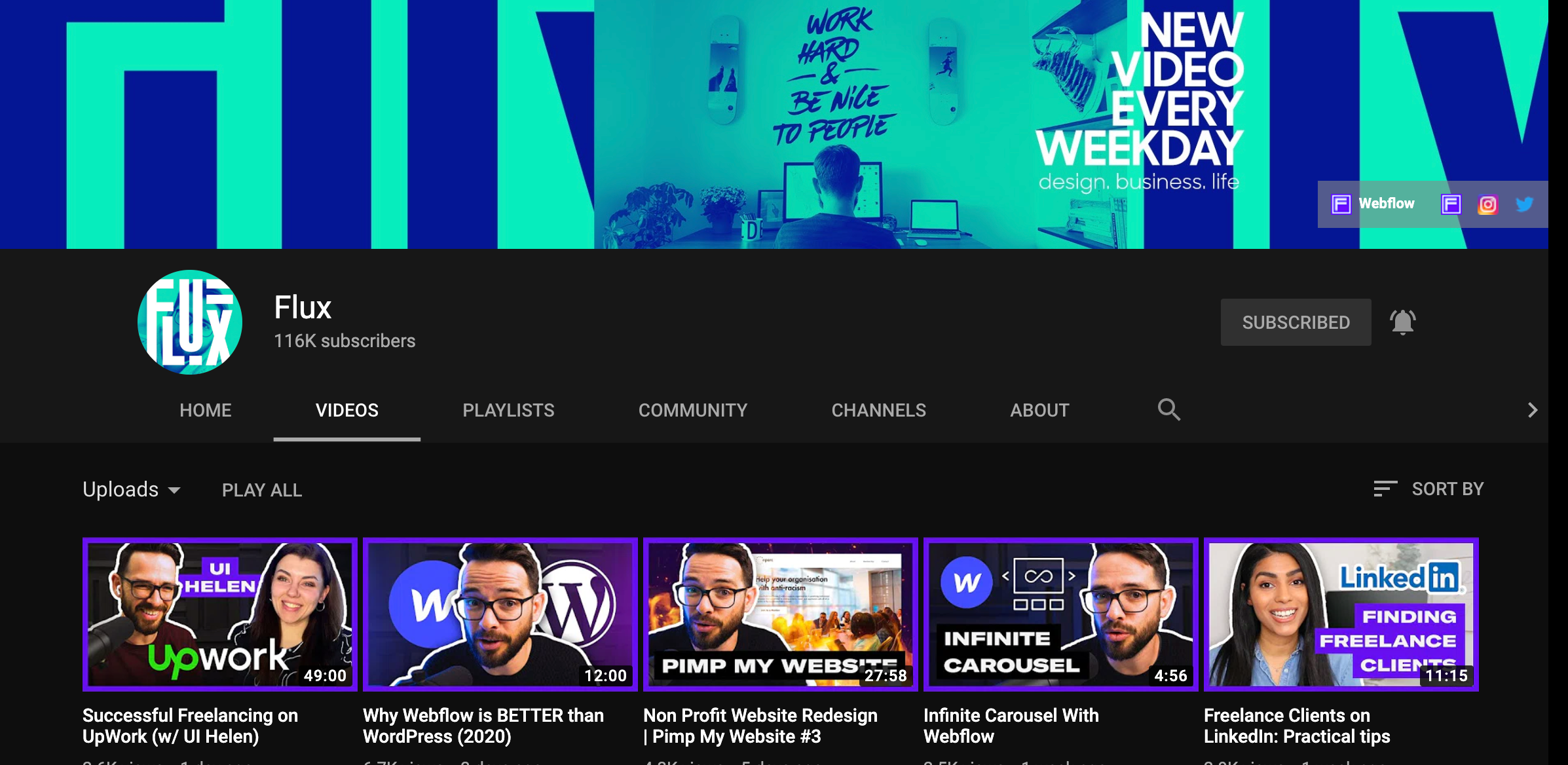
Flux is the personal vlog of Ran Segall, a designer, and an entrepreneur. He shares his journey, struggles and lessons he learned as he builds his career as a designer and a business owner.
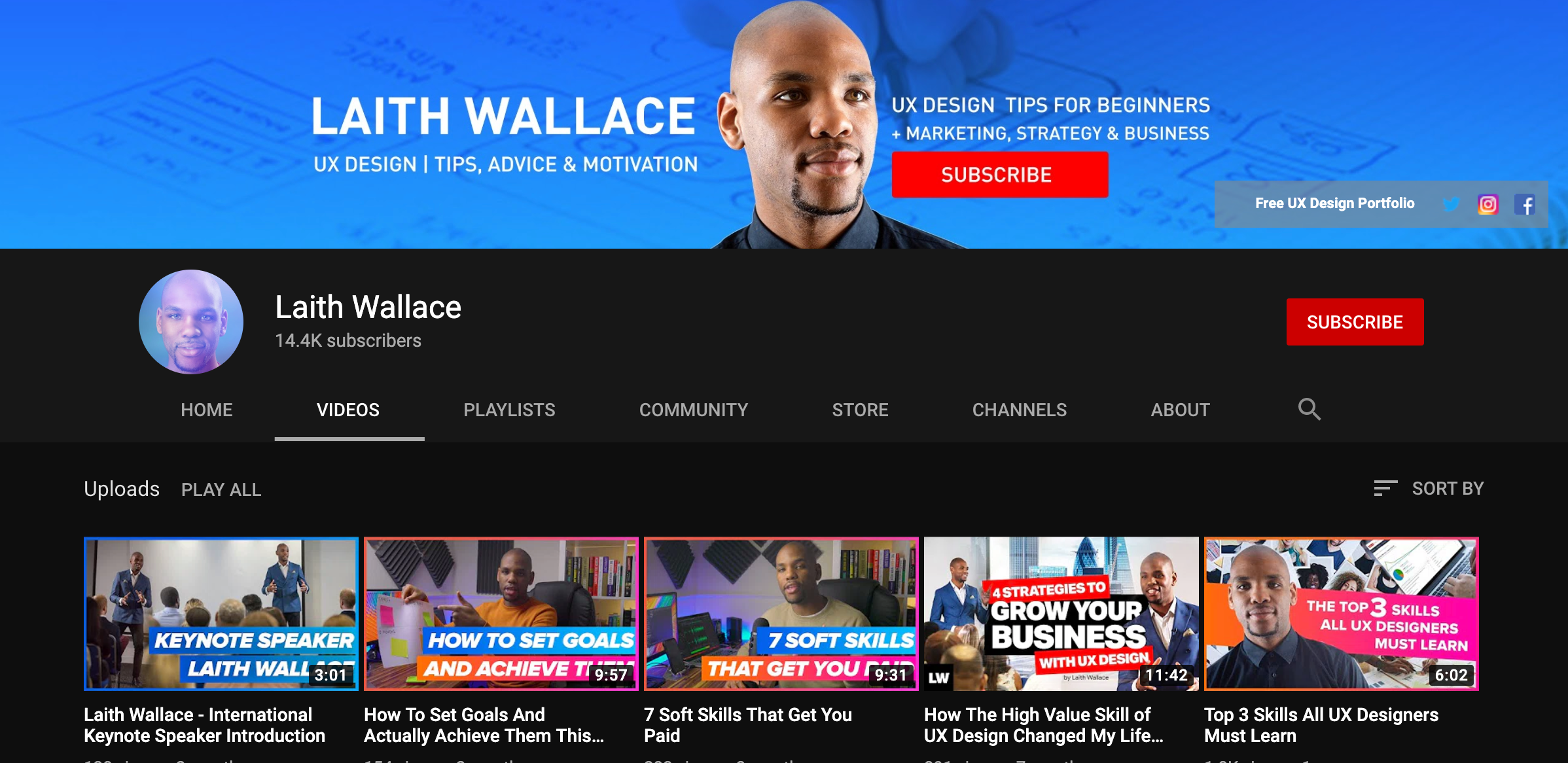
On Laith Wallace channel, he focuses on advice, tools, and motivation to UX/UI Design students, small businesses and people looking to start a career in UX who want to understand their users even better.
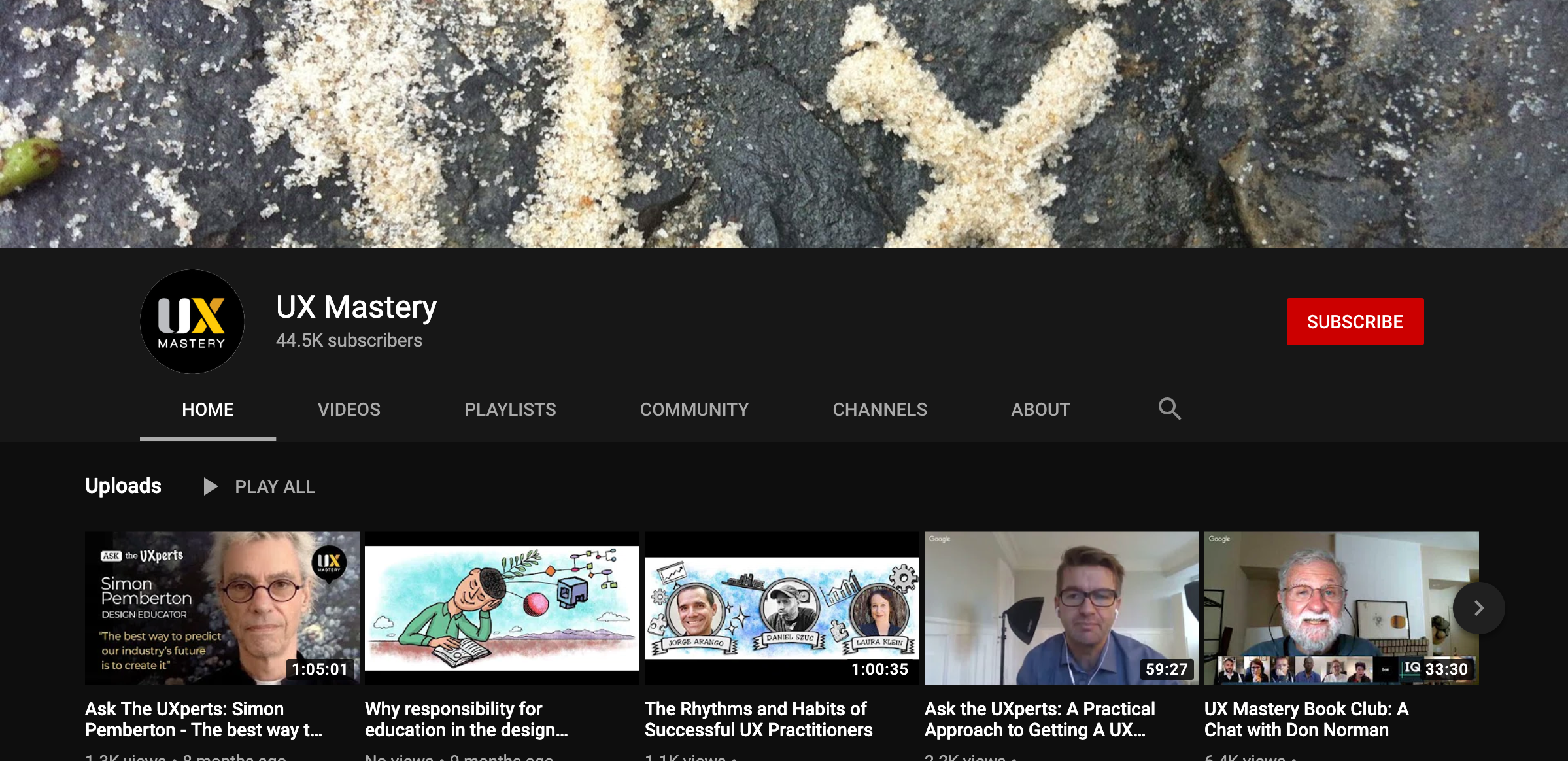
This channel focuses on user experience (UX) and human-centred design (HCD). They cover everything under the UX umbrella—usability, user interface design, interaction design, design thinking, and more.
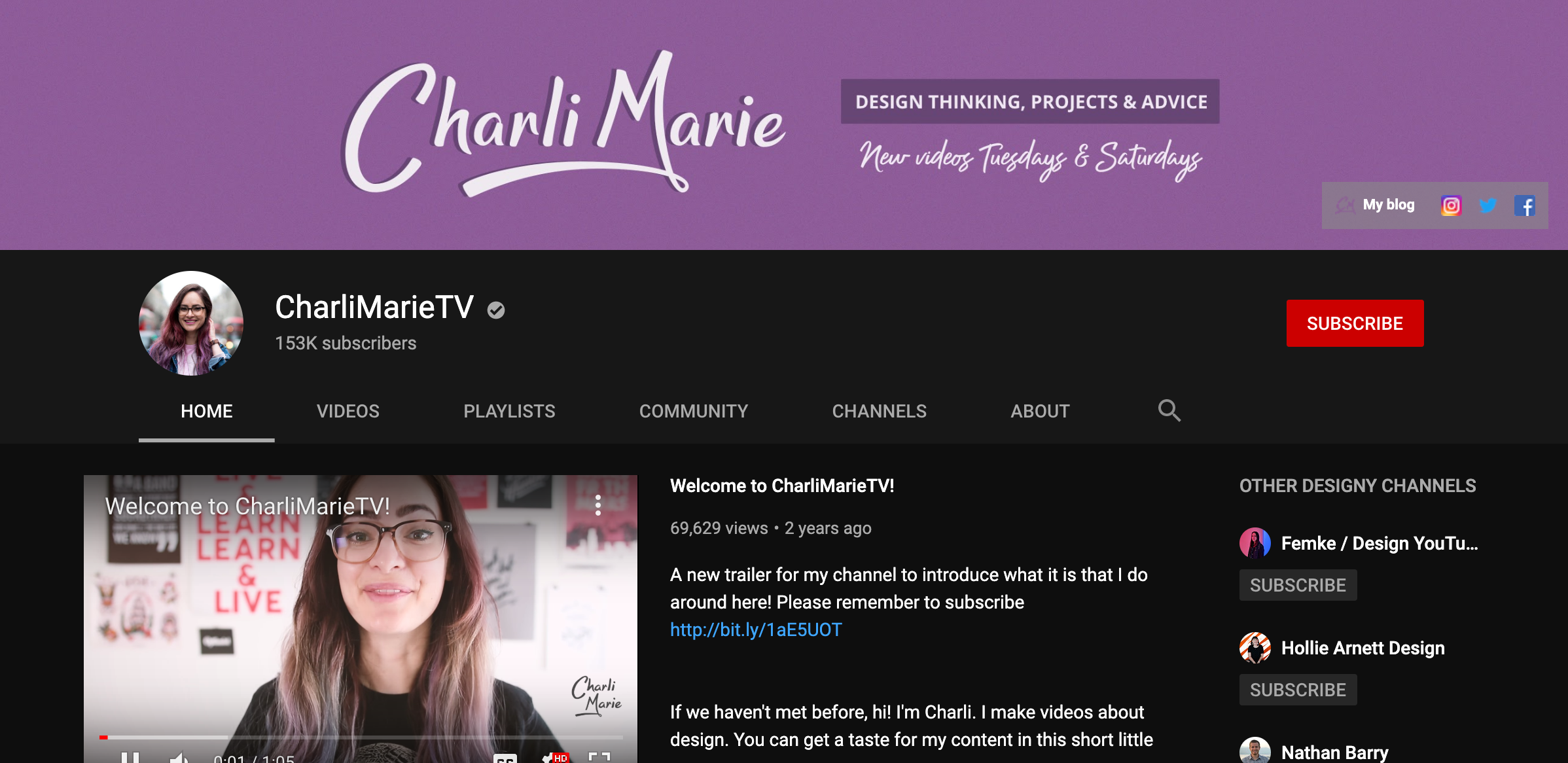
Her channel has great content about web design, graphic design, her processes and yes, Bullet journaling too. She also posts videos on projects and concepts and vlogs about her life as a designer.
If you are merely a casual user of Instagram, showing a few pictures with your friends, you may not see any need to track your Instagram followers, or indeed how your posts perform. However, if you take your Instagramming more seriously, you are going to want to keep a vigilant eye on your Instagram account, along with the genuineness of your followers.
This is particularly the case for influencers and brands. In both cases, the quality of their following matters very much. Ultimately brands are only in the social space to strike a dialogue with their customers and potential clients. Their work with influencers has the same overall goal. There is little point in having followers who are not part of their target market.
It is perhaps less crucial for non-commercially minded influencers. However, they, too, are unlikely to be influential with people who couldn’t care less about their posts.
Brands and influencers are also interested in the behavior of their followers. What types of posts interest them? Which topics are of little importance and get ignored? As far as serious influencers are concerned, analytics, and data about their Instagram performance can be a godsend, and help them make more interesting and valued posts.
The following list highlights tools that, in some way, help you track your Instagram followers, and in many cases, the overall performance of your Instagram account.
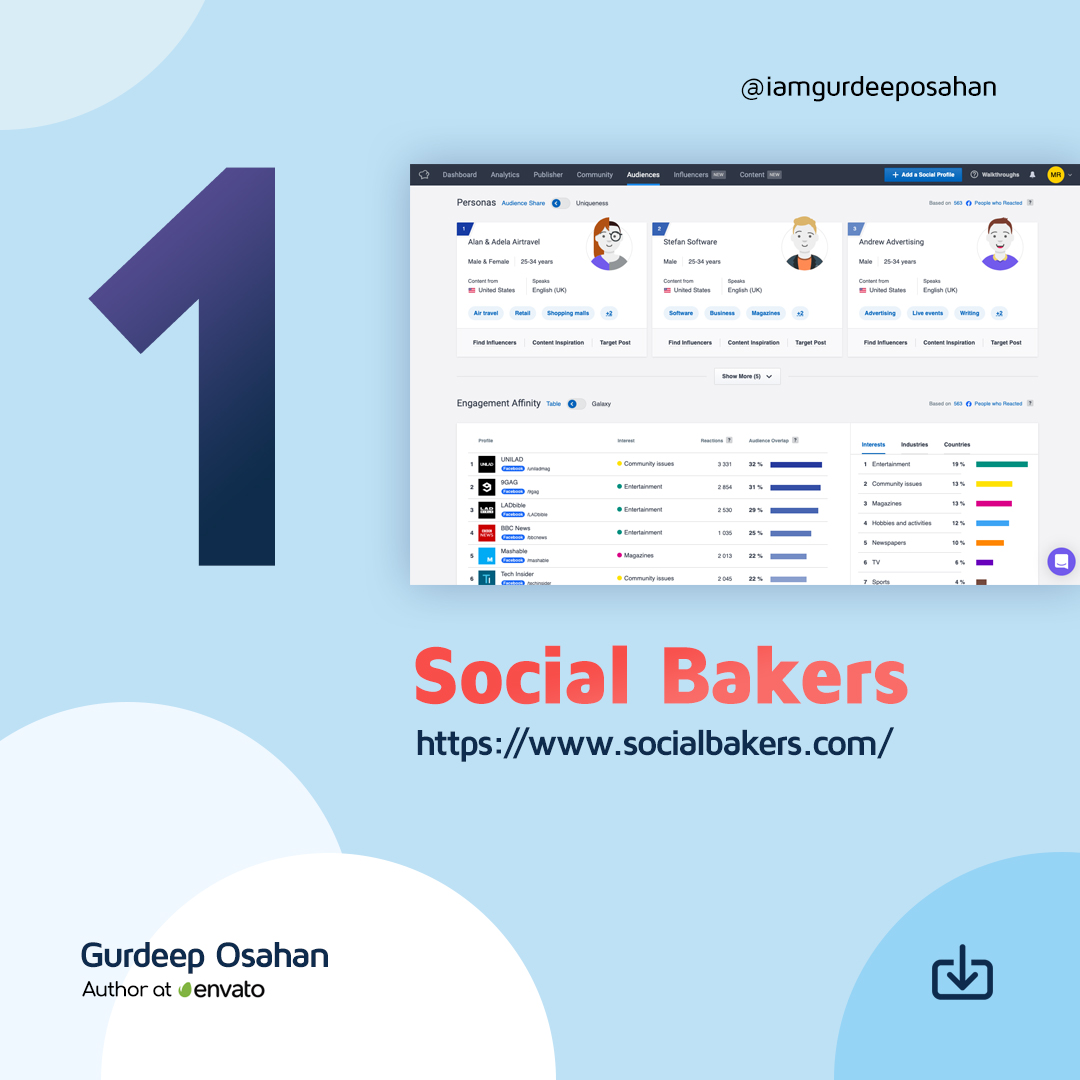
6 Tools to Track Your Instagram FollowersSocial Bakers is primarily a social media management platform that you can use to manage all your marketing tasks together easier. It includes an Analytics & Benchmark section that covers everything from benchmarking, content, and performance to influencers and paid campaigns. You can use it to get the full information you need to understand your performance. It allows you to benchmark your organic, paid, video, and influencer performance metrics against industry averages or competitors.
Although not as advanced as the paid tool, Socialbakers offers a free Instagram Analytics Tool for personal and business profiles. It allows you to discover your most popular Instagram posts, track your success, and learn what gets your audience double-tapping. It shows your most popular photos, filters, and hashtags, although it only offers limited information about your followers.
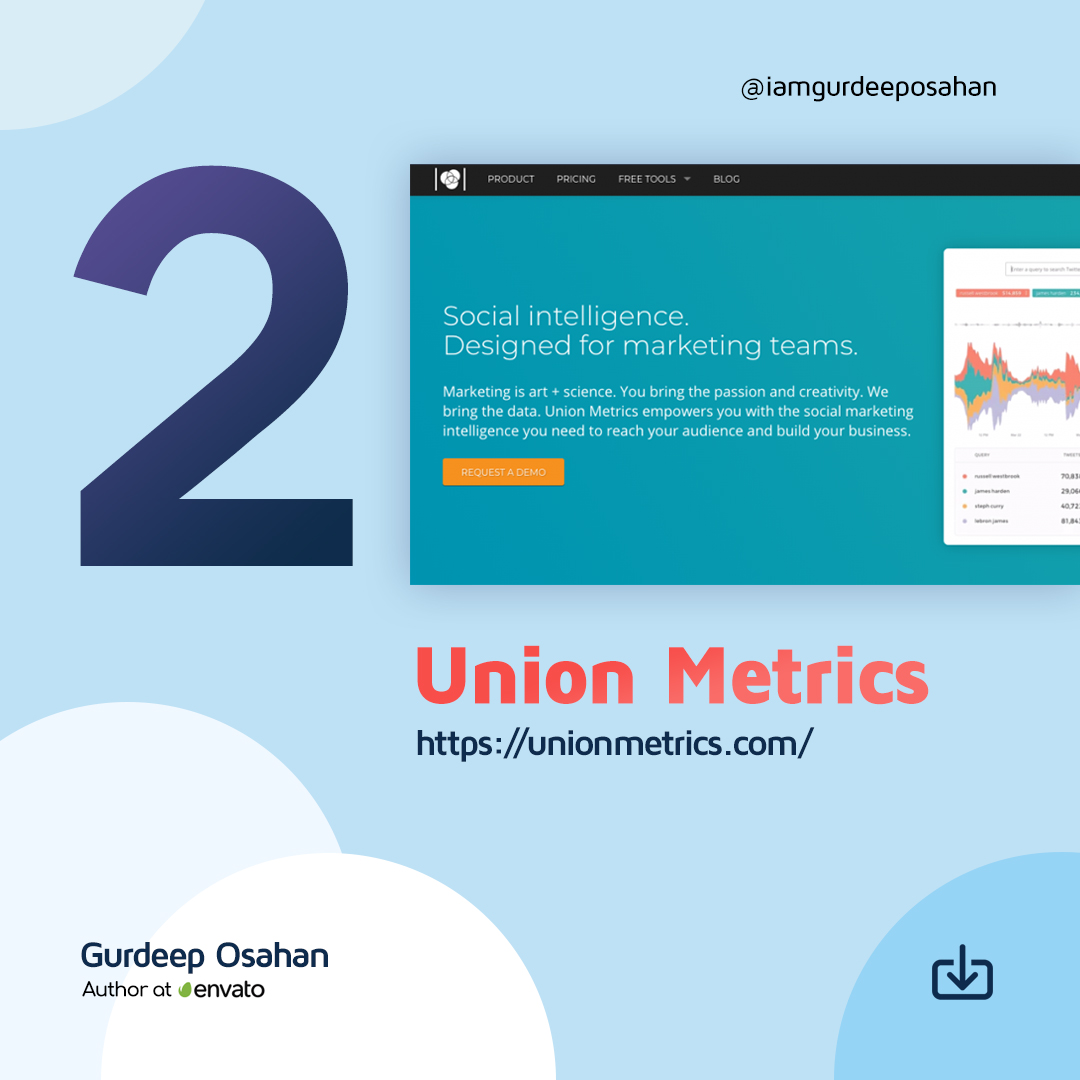
Union Metrics offers a free Instagram account checkup. It is of limited use to understanding your followers over time, although it provides some insights into how your account is performing currently.
The Union Metrics paid plans provide more information to marketers. The $49/mo Social Manager plan allows you to analyze engagement and measure the performance of your social accounts. With the $99/mo Social Marketer plan, you can monitor relevant conversations and generate audience insights with in-depth reporting. At the top end, you have the $199/mo Marketing Team package that offers all the analysis, monitoring, and reporting you need for comprehensive social marketing.
You can use Union Metrics to monitor all your social profiles to learn precisely how your content performs. It will show you what content works across social media – and what doesn’t, and when your audience is most receptive to find the best time to post.
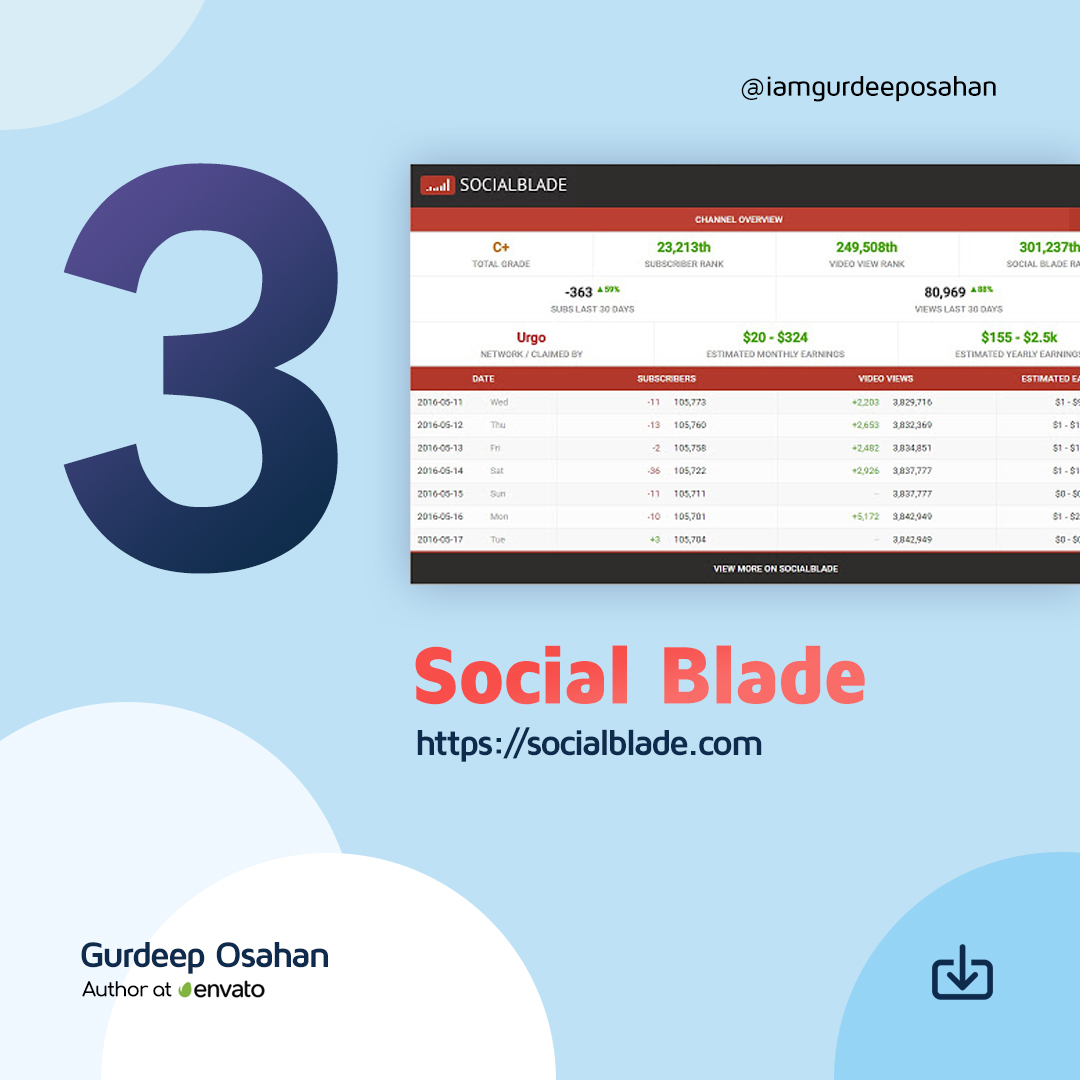
Social Blade provides a wealth of stats on public Instagram media accounts. They pull data explicitly from your public profile, so you won’t find anything if you have made your account Private – but if you are a business or influencer, it makes no sense to have a Private account.
For future projections, you do need to provide them with at least two points, so you need to scan your account multiple times over time if you want to build a set of useful data.
Social Blade also shows quite a few interesting charts about the top Instagram accounts, such as the Top 50 (and 100) Followed Instagram Users. They do emphasize that they are using the new Instagram API, so they can only get data on Instagram business/creator accounts.
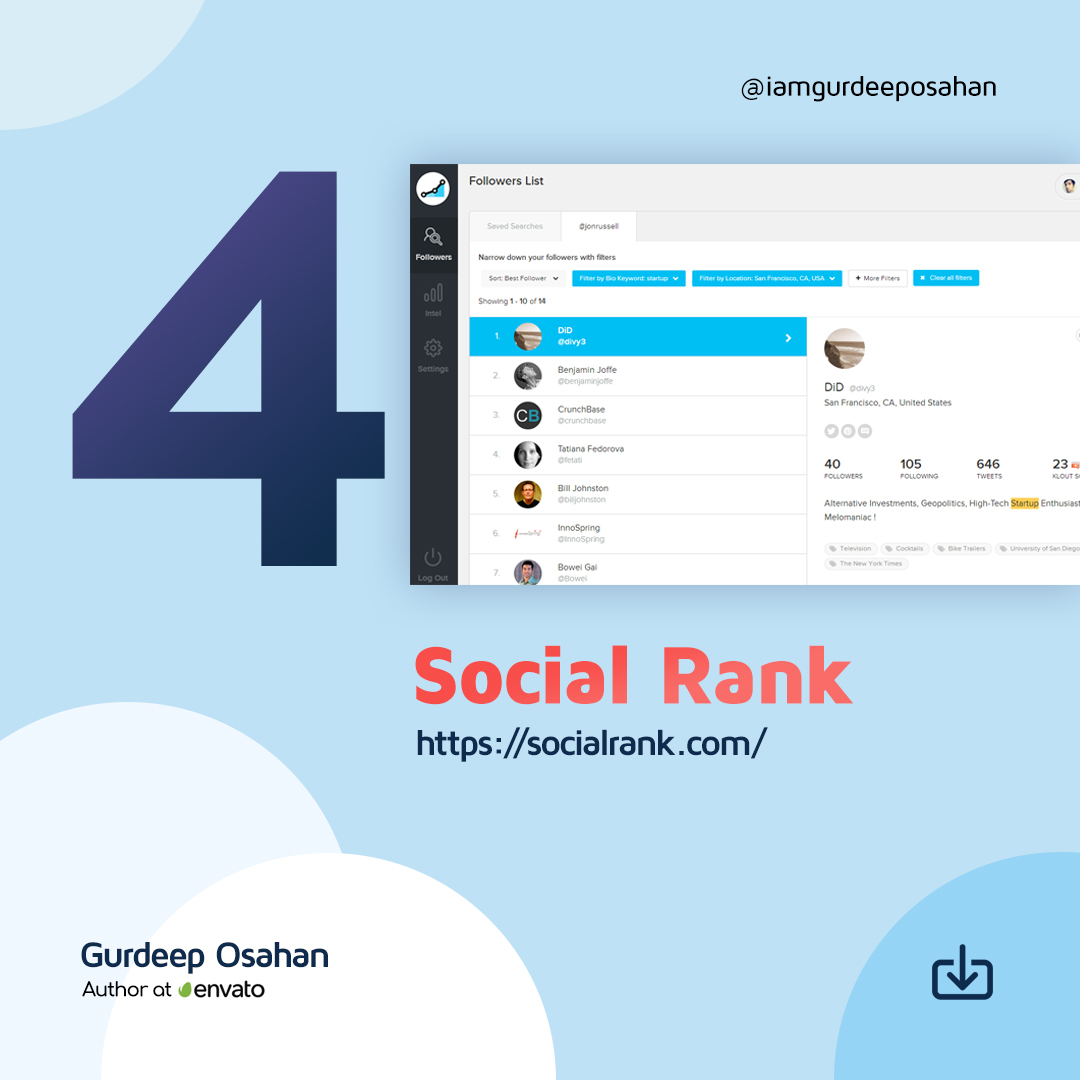
You can use SocialRank to discover detailed audience metrics for Instagram, as well as Twitter. You can segment your audience by using various sorting and filtering options. You can create custom lists, export the data to PDF, and run campaigns.
You can sort your audience by Most Valuable (your most influential profiles), Most Engaged (determined by the frequency of engagement), Best Followers (a combination of Most Valuable and Most Engaged), Most Followed, Alphabetized and Chronological (Newest and Oldest). You can also filter and pinpoint your audience by filters ranging from bio keyword, word/hashtag search, and geographic location, to verified number of followers, activity, and more.
Iconsquare offers both free and paid tools that help you track your Instagram followers. Their free tool provides an Instant Instagram Audit. All you have to do is to connect your Instagram account and enter your email address. They will then send you a free report that tells you where you’re shining and where you’re falling flat. Instagram Audit analyzes 20+ metrics on your latest 30 posts over the last 30 days. It provides tips on your account activity, audience engagement, account settings, and content strategy.
The paid version of Iconsquare offers a robust analytics, management, and scheduling platform for brands and agencies. A customized dashboard quickly visualizes the metrics most important to you, and scheduled reports help you stay on top of your game. Graphs display your performance for metrics like follower evolution, average engagement rate per post, and reach and impressions history. Benchmarks for over 100 industries allow you to compare your performance using metrics like follower growth, engagement, and reach. It includes community analytics, so you can understand where your followers are, the languages they speak, and their age and gender.
A recent addition allows you to understand how your Instagram promoted posts impacted your performance across metrics like reach, engagement, impressions, follower growth, and more.
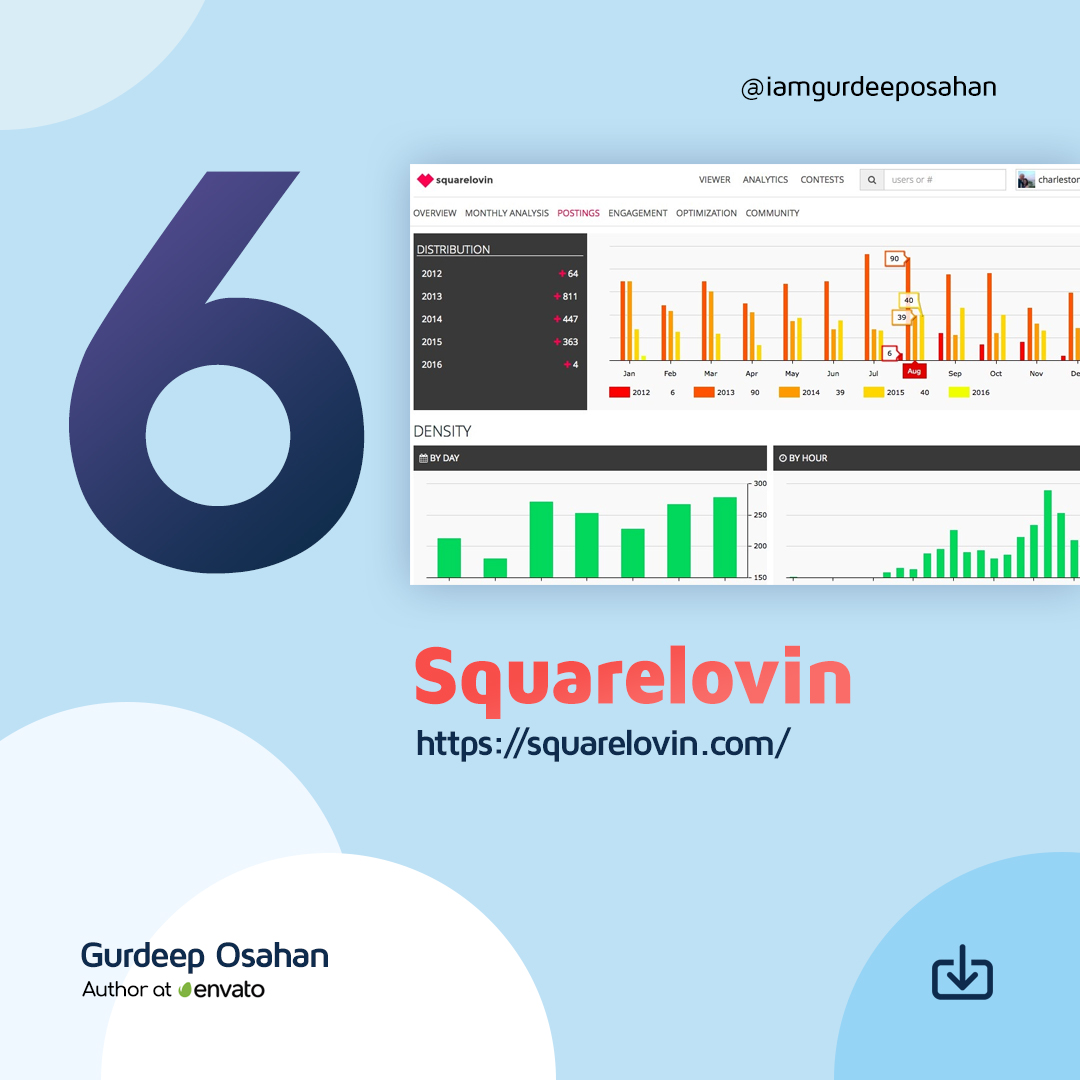
Squarelovin offers a free in-depth analytics tool that gives you access to metrics on your recent posts and growth, a monthly analysis, and a history of your posts broken down into year, month, day, and hour. It provides you with more insights on your communities’ preferences and interests, and what drives engagement. Squarelovin even shows you your best and worst times to post.